Fast AI Coding Is Not Enough: How I’d Use oh-my-openagent and OpenAgentsControl as a Web Developer
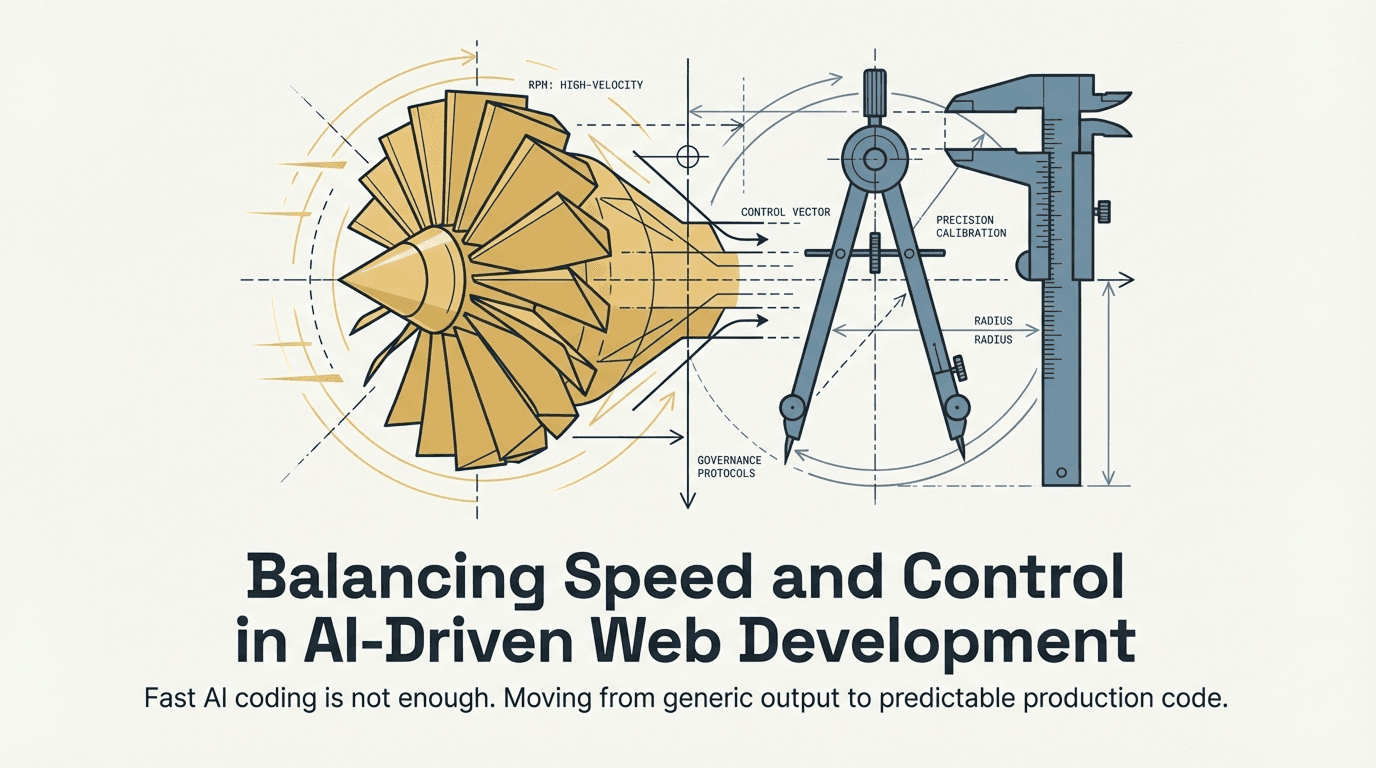
I’ve been exploring two interesting repos lately: oh-my-openagent and OpenAgentsControl. At first glance, they both seem to sit in the same space because both are connected to AI-assisted development. But after reading through them carefully, I realized they are solving different problems.
That difference is important, especially for web developers.
If you are building real-world products, AI speed alone is not enough. You also need consistency, project awareness, and a safer way to let AI touch your codebase. That is exactly why I think these two tools are worth talking about together.
Quick takeaway
Think in layers: use AGENTS.md for context, oh-my-openagent for execution
speed, and OpenAgentsControl for workflow discipline.
What is oh-my-openagent?
oh-my-openagent describes itself as an agent harness. In simple terms, I see it as a tool that helps multiple AI agents work together on development tasks.
Instead of asking one assistant to do everything, this project is built around orchestration. It has a main agent and specialized helpers for planning, searching, coding, debugging, and exploration. The repo also highlights things like parallel/background agents, built-in search tools, refactoring support through LSP and AST tooling, and automatic context injection from files such as AGENTS.md and README.md.
What I take from that is simple: this tool is about getting more work done with AI, faster and with less manual coordination.
As a web developer, that can be useful when I want to move quickly on feature work such as creating pages, scaffolding components, wiring forms, connecting APIs, or refactoring repetitive code.
What is OpenAgentsControl?
OpenAgentsControl feels very different in purpose.
It is not mainly about adding more AI horsepower. It is about giving AI a more disciplined workflow.
The repo focuses on things like project pattern learning, approval gates, shared context, controlled execution, and validation. The idea is that the AI should not just start editing files based on a vague prompt. Instead, it should first understand the project, propose a plan, wait for approval, and then execute step by step.
That matters because AI-generated code can be fast, but it can also be generic, inconsistent, and annoying to clean up later.
So while oh-my-openagent looks like the speed layer, OpenAgentsControl looks like the control layer.
Why this matters for web developers
In web development, a lot of work is repetitive. We create layouts, forms, dashboards, API integrations, validation flows, auth screens, admin panels, and reusable UI pieces over and over again. AI can help a lot with that.
But there is a catch.
A codebase is not just a collection of files. It has conventions. It has architecture. It has team habits. It has things that should never be changed casually. A random piece of working code is not always useful if it does not match the rest of the app.
That is where the difference between these two tools becomes practical.
If I want raw momentum, I look at oh-my-openagent.
If I want AI output that feels more predictable and easier to trust inside a real project, I look at OpenAgentsControl.
Choose oh-my-openagent when the priority is momentum: scaffolding, drafting, and faster implementation loops.
How I would use oh-my-openagent as a web developer
Let’s say I’m working on a Next.js project and I need to build a new account settings area.
Normally, I would have to think about file structure, routes, UI components, validation, service calls, loading states, and error handling. That is a lot of setup work before I even get to the more interesting parts.
This is where I would use oh-my-openagent.
I would use it for tasks like generating the first version of the settings page, creating related form components, adding API placeholders, suggesting folder structure, and helping with refactoring repeated patterns. Since the project is designed around multiple agents and tools working together, it makes sense to use it where speed and execution matter most.
A simple example prompt could look like this:
Build a settings page for a Next.js app with profile update form, password change section, validation, loading states, and server actions. Keep the UI consistent with the existing dashboard layout.
That is the kind of task where I would expect oh-my-openagent to shine. It is built for planning, searching, coding, and debugging with less manual orchestration.
How I would use OpenAgentsControl as a web developer
Now imagine that same feature is not just a side page. It is part of a production app with conventions the whole team follows.
Maybe my project has a strict folder structure. Maybe API calls have to go through one service layer. Maybe auth flows should never be rewritten without careful review. Maybe we use Zod everywhere for validation and React Hook Form for forms. Maybe certain components must remain server components unless there is a very good reason not to.
This is where OpenAgentsControl becomes useful.
Instead of letting the AI jump directly into the code, I would want it to first load the project’s patterns, understand the expected approach, propose a plan, and wait for approval. That is exactly the kind of workflow OpenAgentsControl is designed around.
So in practice, I would use it for features where correctness, consistency, and predictability matter more than raw speed.
For example, I would use it for auth flows, billing changes, reusable design system work, permissions logic, or any feature that touches sensitive or highly structured parts of the app.
Where AGENTS.md fits into this
Now let’s talk about something important: AGENTS.md.
I think AGENTS.md is genuinely useful. It gives coding agents a clear instruction file in plain markdown. You can document project setup, coding conventions, commands, testing rules, architecture notes, and things the AI should avoid.
That is a very good idea.
In fact, oh-my-openagent directly supports this approach by auto-injecting AGENTS.md and README.md, and it also includes a command for generating hierarchical AGENTS.md files through a project. So this is clearly part of the modern agent-driven workflow.
For a web project, an AGENTS.md file might say things like:
- this is a Next.js App Router project
- use TypeScript only
- keep shared UI components in
src/components - keep API calls in
src/lib/api - use Zod for validation
- run lint, tests, and build before considering a task done
- do not touch auth without explicit instruction
That kind of file gives AI very useful context.
Why AGENTS.md alone is not enough
This is the most important point in this article.
AGENTS.md helps the AI understand the project. It does not automatically control the AI’s behavior.
That means an instruction file can tell the AI what your structure is, what your conventions are, and what to avoid. But it does not, by itself, force the AI into a plan-first workflow. It does not create approval gates. It does not manage validation stages. It does not create a shared team process for how agent-driven changes should happen.
That is why I do not see AGENTS.md and OpenAgentsControl as replacements for one another.
They solve different layers of the problem.
AGENTS.md is context.
OpenAgentsControl is process.
And once I looked at it that way, the difference became much easier to understand.
If I only use AGENTS.md, I am giving the AI guidance.
If I use OpenAgentsControl, I am trying to govern how the AI does the work.
For small solo projects, that difference may not matter much.
For larger projects, team environments, or important production code, it matters a lot.
My practical workflow for using both
If I were building a real web app today, this is how I would combine these ideas.
Set a solid baseline with AGENTS.md
Create and maintain a strong AGENTS.md so AI agents understand
conventions, architecture, commands, and boundaries.
Use oh-my-openagent for momentum
Use it for scaffolding, drafting features, repetitive implementation tasks, and fast research when execution speed is the priority.
Use OpenAgentsControl for high-stakes work
For sensitive features, require plan-first behavior, approval checkpoints, and validation before trusting the final output.
That combination makes a lot of sense to me as a web developer.
I do not want to give up the speed AI offers.
But I also do not want a fast workflow that leaves me with cleanup, inconsistent patterns, and risky edits.
A simple real-world example
Let’s say I am adding user authentication to a React or Next.js app.
With oh-my-openagent, I might use AI to generate the initial login page, signup page, password reset flow, route structure, and API integration skeleton. That gives me a quick starting point.
Then I step into control mode.
With OpenAgentsControl, I would make sure the work follows the project’s auth conventions, uses the correct service layer, respects current form handling patterns, and does not break the rest of the app. I would want the AI to propose the changes before applying them, especially if auth is a sensitive area.
The result is a workflow that is both fast and careful.
That is the balance I think most web developers actually need.
The pros of oh-my-openagent
What stands out most to me about oh-my-openagent is that it is built for action. It looks like a tool for people who want AI to take on more of the actual engineering workload. The orchestrated agents, automatic model-category matching, built-in search capabilities, and stronger editing approach all support that goal.
For a web developer, the biggest advantage is obvious: it can speed up feature work and reduce the overhead of manually coordinating multiple AI tools.
Another strong point is that it already fits into the broader agent workflow by understanding files like AGENTS.md, which makes it easier to provide project-aware context.
The downside is that speed can create its own problems if there is not enough process around how changes are made.
The pros of OpenAgentsControl
What I like most about OpenAgentsControl is that it seems designed for reducing AI-related mess. Instead of treating AI as a fast code generator, it treats AI more like a contributor that should follow team rules.
That matters because many developers are not struggling to get AI to write code. They are struggling to get AI to write code that actually fits their codebase.
The biggest advantage here is predictability. The plan-first and approval-based approach is more structured, and that structure is valuable when code quality matters more than raw output speed.
The downside is that more control usually means a slower workflow. That is a tradeoff, but in many production environments it is a fair one.
The cons of relying only on markdown instruction files
I think this is where a lot of teams may oversimplify the problem.
It is tempting to think that once we have an AGENTS.md file or some other markdown instruction file, the job is done. But that only solves part of the problem.
Yes, the AI now knows the project structure.
Yes, it may better understand the coding style.
Yes, it may avoid some common mistakes.
But none of that guarantees a controlled workflow.
A smart instruction file can improve output quality, but it is still not the same as having a system that says:
- load relevant patterns
- propose a plan
- wait for approval
- make changes carefully
- validate the result
With just AGENTS.md, the AI has better guidance, but there is no enforced
workflow for approvals, sequencing, or validation.
That is the gap OpenAgentsControl is trying to fill.
So for me, the conclusion is not “use markdown files or use OpenAgentsControl.”
It is “use markdown files because they are helpful, but do not assume they solve workflow governance.”
My final take
After looking at both repos, my opinion is pretty simple.
oh-my-openagent is the kind of tool I would use when I want AI to help me move faster as a web developer. It makes sense for drafting, scaffolding, refactoring, research, and pushing more work through an agent-driven workflow.
OpenAgentsControl is the kind of tool I would use when I want to make sure that AI works within the project’s actual rules instead of just producing generic code quickly.
And AGENTS.md absolutely has a place in that world, but I do not think it replaces a real control layer.
So if I had to summarize everything in one line, it would be this:
Use AGENTS.md to give AI context. Use oh-my-openagent to get speed. Use OpenAgentsControl when you need that speed to stay disciplined.
That feels like the most honest and practical way to think about these tools as a web developer today.
FAQs
oh-my-openagent is an AI agent harness that helps multiple AI assistants work together on software tasks like planning, coding, debugging, and searching. I see it as a speed-focused tool for AI-assisted development.
OpenAgentsControl is an AI workflow framework that tries to make AI work in a more controlled way. It focuses on project patterns, approval-based execution, and validation.
AGENTS.md is very useful for giving AI project context, but it is not enough
if you also need a structured workflow with approvals, shared patterns, and
validation. It solves context, not governance.
Yes, that is actually how I think about them. I would use oh-my-openagent for fast execution and OpenAgentsControl for more disciplined, project-aware changes where consistency matters.
If you are just getting started, I would first create a solid AGENTS.md
file and understand your project conventions clearly. After that, choose
oh-my-openagent when you want speed, and add OpenAgentsControl when you
need stronger control over how AI makes changes.